![staffCircle_logo_trans3-1.png]](https://knowledge.staffcircle.info/hs-fs/hubfs/staffCircle_logo_trans3-1.png?height=50&name=staffCircle_logo_trans3-1.png)
We deliver these updates to enhance your experience with StaffCircle, improving its value, functionality, and features.
TLDR; You can now connect to your ATS platform, and upon a candidate being hired they'll be synced to StaffCircle! To complement the connector, the Onboarding feature has received several updates.
ATS Connectors
Within Settings>Integrations a new tab called "ATS Connectors" is available. If your ATS platform is in this list, you can set-up a connection to automatically sync new hires to StaffCircle and begin their onboarding journey.
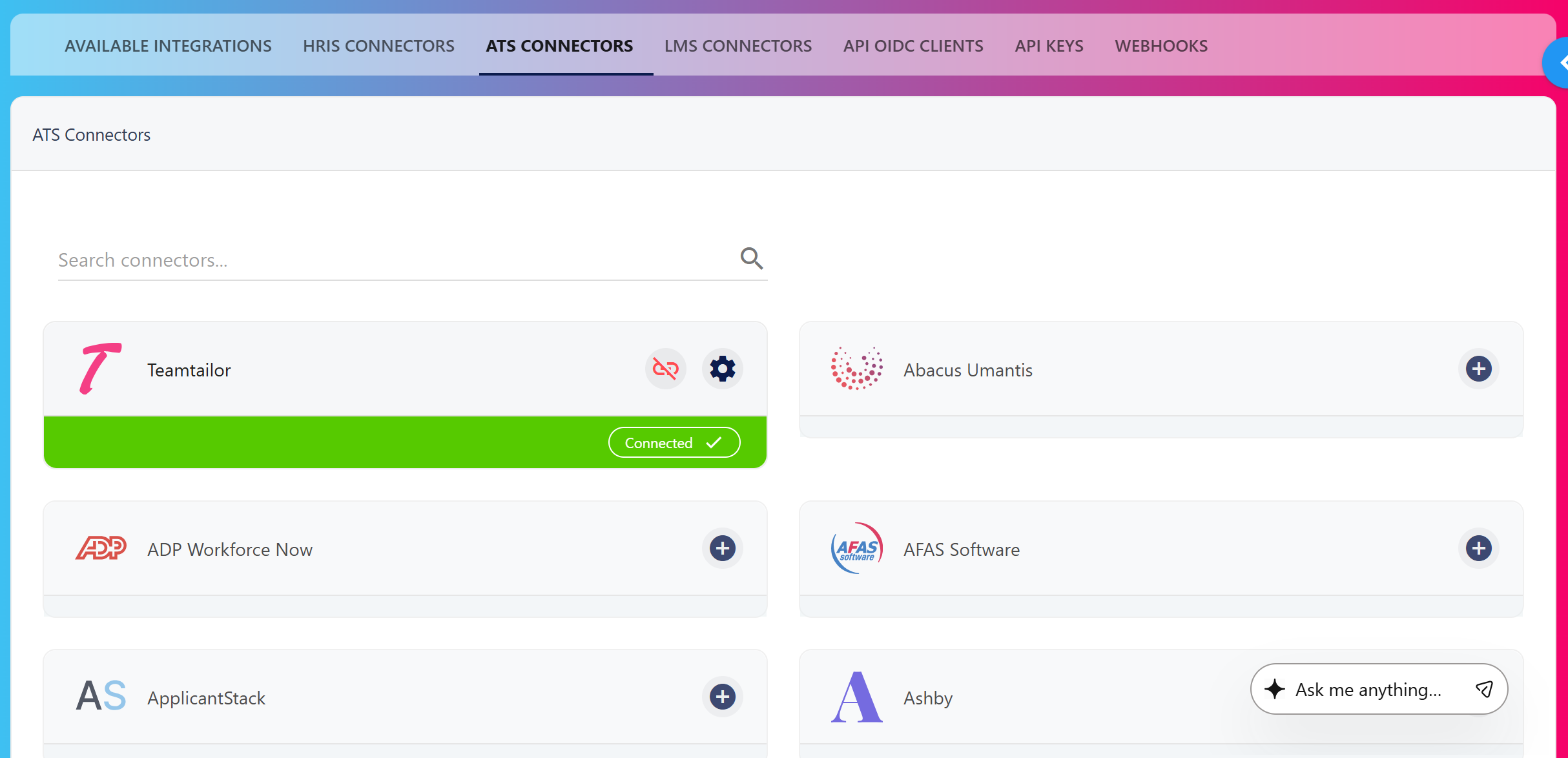
For additional set-up information, each connector provides step-by-step instructions on where to go in your ATS to obtain API keys.
What's included?
After you've connected your ATS and StaffCircle, any candidate within your ATS that is set to "hired" will be automatically pushed into StaffCircle.
Within the connector, you can specify a default Personal Data Template and Secure Data Template.
You can leave your connector running in the background.
Onboarding Enhancements
To complement the ATS connectors, the Onboarding feature has received several enhancements:
-
Custom Fields can be added to both the Personal Data, and Secure Data templates.
- Where a Custom Field section is set as "sensitive", it will be available for Secure Data templates. Non-sensitive Custom Field sections are available within Personal Data templates.
- Documents can be requested as part of the information capture process, such as:
- Passport
- Driving Licence
- CV/Application
- Cover Letter
- Other Documents
- Candidates synced from an ATS go into a "Draft" state and can be updated to make sure the correct personal and secure templates have been selected.